Home Office

Best Electric Standing Desks of 2026

The first time you raise an electric standing desk to full height, watch the monitor. A cheap frame lets it sway while you type, and that small wobble is the difference between a desk you use standing and one you quietly lower back down. A good one holds steady at the top of its range, remembers your favorite heights, and assembles without a second pair of hands. What you're buying is a frame sturdy enough to trust and a motor that moves it smoothly—not just a slab on legs.

The motor is rarely the weak point; the frame and the fasteners are. Over six months, my team and I assembled eight electric standing desks in home offices and a shared workspace, then used them the way anyone would: morning email, afternoon calls, the fidgety up-and-down your back asks for. A few looked great and wobbled; a few were rock solid and took two hours to build. The ones below got the basics right—clear instructions, a quiet glide, a footprint that fits a real room.

#1

Best Overall

FLEXISPOT EN1

FLEXISPOT EN1

9.0/10 Outstanding
  • Warranty: 5 years frame and motor
  • Desktop Size: 48 x 24 in
  • Height Range: 28.1–46.3 in
  • Memory Presets: 4
Check Price on Amazon

Pros

  • One-piece top with no center seam
  • Five-year frame and motor warranty
  • Four presets across a 28.1–46.3 in range
  • Stays steady at standing height

Cons

  • Height control can stop mid-travel and need a reset

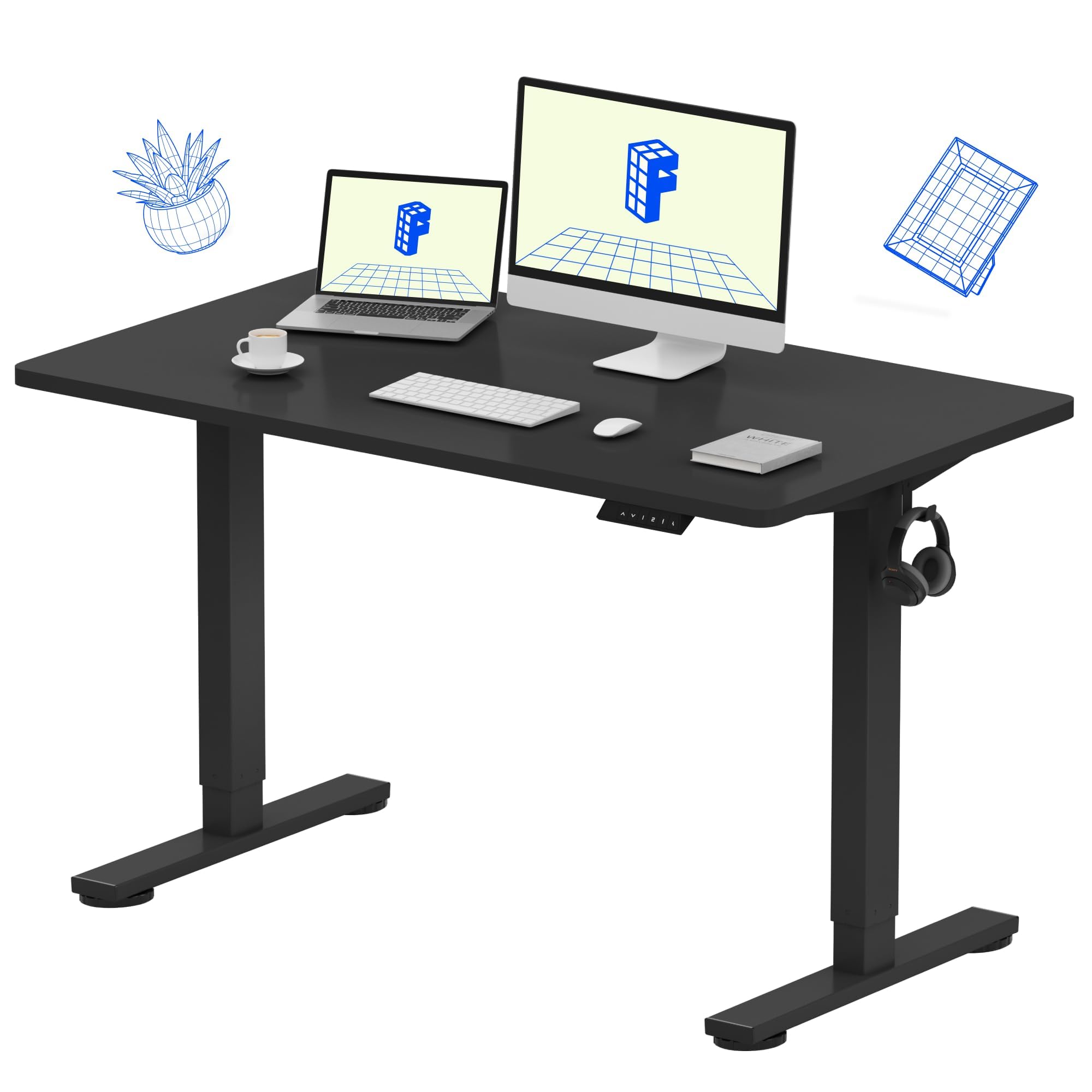
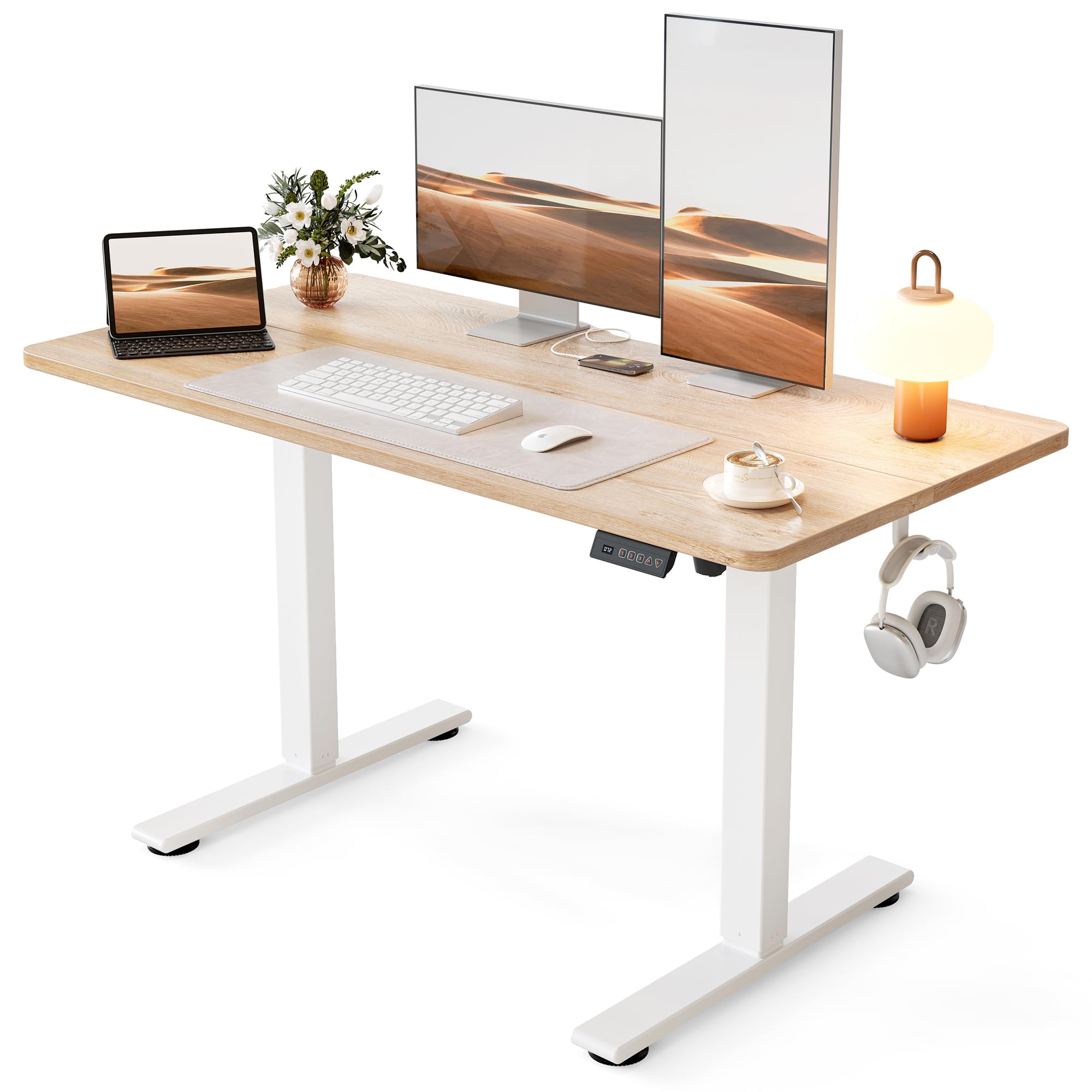
Run a hand across the middle of most budget standing desks and you find the seam: the two halves of the top bolted together over the frame, right where your mouse hand travels. The FLEXISPOT EN1 doesn't have one. Its desktop arrives in a single piece, and after a few weeks that smooth surface is the detail we kept noticing - nothing catches a pen, nothing traps crumbs, and there's no line running through the middle of a dual-monitor setup. Add five years of coverage on the frame and motor, the only multi-year warranty stated on any desk in this group, and it earns the top spot.

The fundamentals hold up. Travel runs from 28.1 to 46.3 inches with four memory presets, and the frame stays steady when it's raised, which is not a given at this price. Assembly is a one-person job with labeled hardware packs, though we found the top-mounting pages run out of order with the pictures: build the frame on the floor first, then lower the desktop onto it, and you skip the awkward flip entirely.

The lift is the one soft spot. Height adjustment is where this desk draws the least confidence, with some units stopping mid-travel and needing a reset before they move again. That is exactly the failure the five-year motor coverage exists for, and it is why we weigh the warranty as heavily as the presets. You are buying a top you'll touch every day and coverage behind the part you can't see.
Bottom Line: Our pick for most home offices: the one-piece top is a real daily advantage, and five years of frame and motor coverage is the best backstop in this group.
#2

Best for Small Home Offices

CubiCubi 48-Inch

CubiCubi 48-Inch

9.3/10 Outstanding
  • Desktop Size: 48 x 24 in
  • Height Range: 28.3–46.5 in
  • Memory Presets: 3
  • Weight Capacity: 176 lb
Check Price on Amazon

Pros

  • Walnut finish that lifts the whole room
  • Strong value for the finish and frame
  • 176 lb stated capacity
  • Generous legroom under a compact top

Cons

  • Pre-drilled leg holes can be missing or misaligned

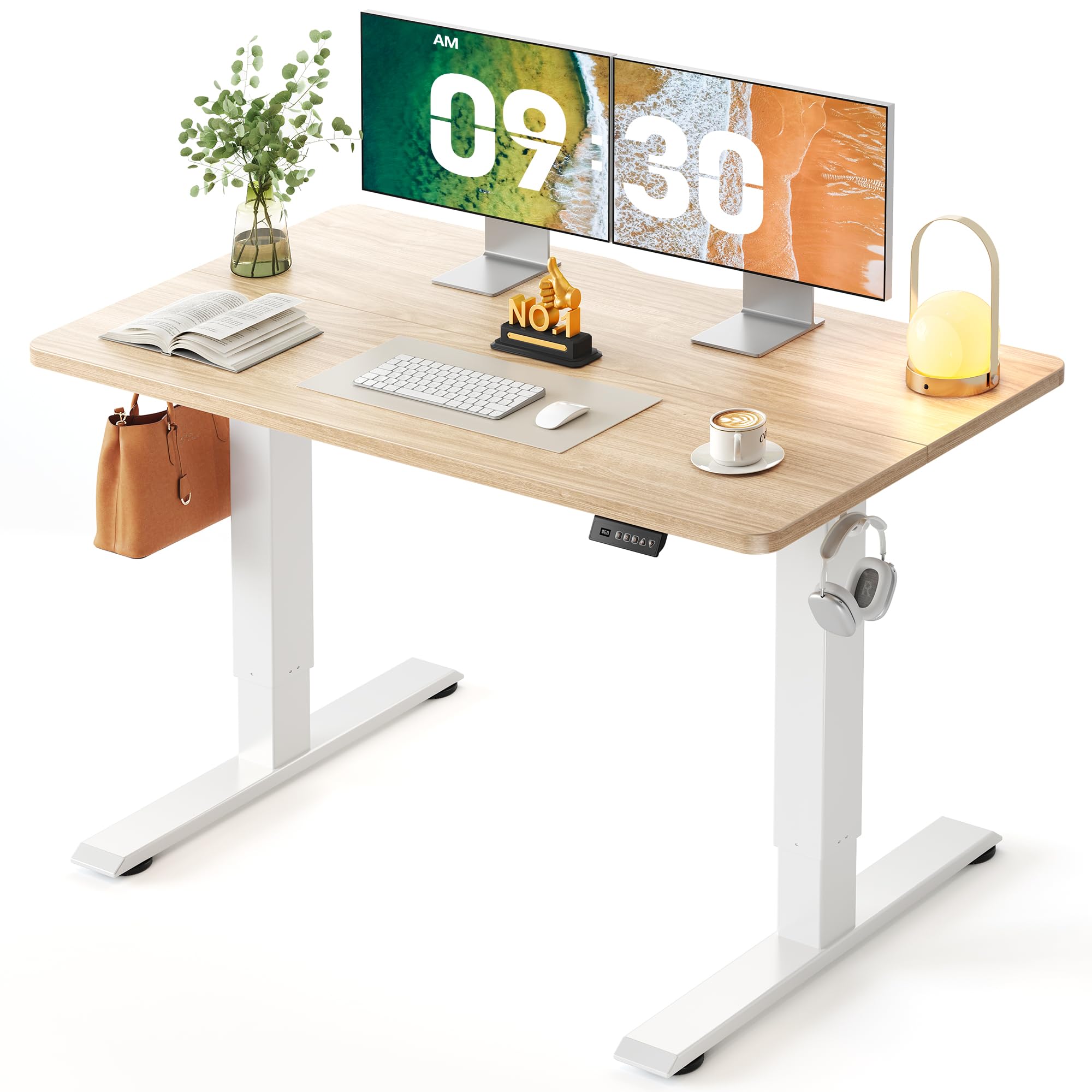
A 48-inch desk is the right answer for a bedroom office or the corner of a living room, and this is the one we point to when the desk has to live in a room you actually use. The top measures 47.2 by 23.6 inches, the frame leaves real legroom underneath, and the light walnut finish is the warmest surface in this group by a wide margin. It reads as furniture rather than office equipment.

What we noticed most is how complete it feels at the size. Three presets on a one-touch controller, 28.3 to 46.5 inches of travel, and 176 pounds of stated capacity handle a two-monitor setup without asking you to think about it, and one person can build it in an evening. Compact desks usually feel like a compromise; this one just feels like a smaller desk.

The catch is the drilling. Some units arrive with leg holes missing or drilled slightly off line, and when that happens there is no adjusting your way out of it. Check the mounting holes on the frame the day the boxes arrive, before you have built anything, so a return is a phone call rather than a disassembly project. Do that and the rest of the ownership experience is quiet, compact, and better finished than the money suggests.

Bottom Line: For a desk that has to fit a small room and look good doing it, this is the one: compact, well finished, and quick to build.
#3

Best Budget

Cubiker 48-Inch

Cubiker 48-Inch

9.1/10 Outstanding
  • Desktop Size: 48 x 24 in
  • Height Range: 27.2–46 in
  • Memory Presets: 3
  • Weight Capacity: 155 lb
Check Price on Amazon

Pros

  • Cheapest desk in this group
  • Three presets and a sub-45 dB motor
  • Low-VOC materials for a small room
  • Drops to 27.2 inches for seated work

Cons

  • Spliced top leaves a visible center seam
  • Holes can be drilled on the wrong side

The Cubiker is the least expensive way onto this list, and it doesn't feel like a penalty box. Three memory presets, a motor rated under 45 dB, a range that starts at 27.2 inches - lower than most of the desks here - and a 155-pound capacity that covers two monitors and a laptop comfortably. For a first standing desk, or a second one in a rental, that is the whole checklist, and we were struck by how little the day-to-day experience differs from desks asking noticeably more.

Two things explain the price. The top ships in two pieces joined over the frame, so there is a seam down the middle that you will see under a keyboard and feel under a mouse. And the pre-drilled holes are the weak point, with some units arriving with holes on the wrong side or out of line. Dry-fit the legs before you tighten anything, and neither issue touches the motor, the presets, or the height range.

Bottom Line: The budget pick: you give up a one-piece top and clean drilling, and you keep the presets, the quiet motor, and a height range that fits most people.
#4

Best for Built-In Storage

HUANUO with Drawers

HUANUO with Drawers

9.0/10 Outstanding
  • Storage: 2 drawers
  • Desktop Size: 48 x 24 in
  • Height Range: 27.5–46.4 in
  • Memory Presets: 4
Check Price on Amazon

Pros

  • Two drawers plus an open cubby
  • Rear overhang takes a C-clamp arm
  • Four presets from a 27.5-inch minimum
  • 176 lb capacity

Cons

  • Wobbles at full standing height

Two shallow drawers sit under the front edge of this desk, and they are the reason to consider it. Pens, cables, a notebook, the small things that otherwise colonize a 48-inch top - all of it disappears and the working surface stays clear. Behind the drawers there is an open cubby sized for a keyboard or a tablet, and the storage is built into the desk rather than bolted onto it.

The rear edge is the detail that sold us. It overhangs by 2.36 inches, which is enough to clamp a monitor arm, and that is rare on a drawer desk because the drawer body usually occupies exactly the space the clamp needs. If you run a single arm and want the desktop free of stands, this is the one here designed for it.

Mechanically it is a 27.5-to-46.4-inch desk with four presets and a 176-pound rating, and the starting height is the lowest in this group - useful if you are short or you work with a keyboard tray. It is also the most expensive desk here, and the money went into storage rather than the frame: at full height it moves when you lean on it, enough to notice and not enough to worry about.

The top is spliced, so a joint runs front to back, and the drawers add assembly steps the simpler desks do not have. Those are real costs, but a desk that swallows the clutter is worth more than one that doesn't, and this is the only one here that does it.

Bottom Line: Buy it if your desk doubles as storage: two drawers, an open cubby, and a rear edge built for a monitor clamp, at the top of this group's price range.
#5

Best for a Big Workspace

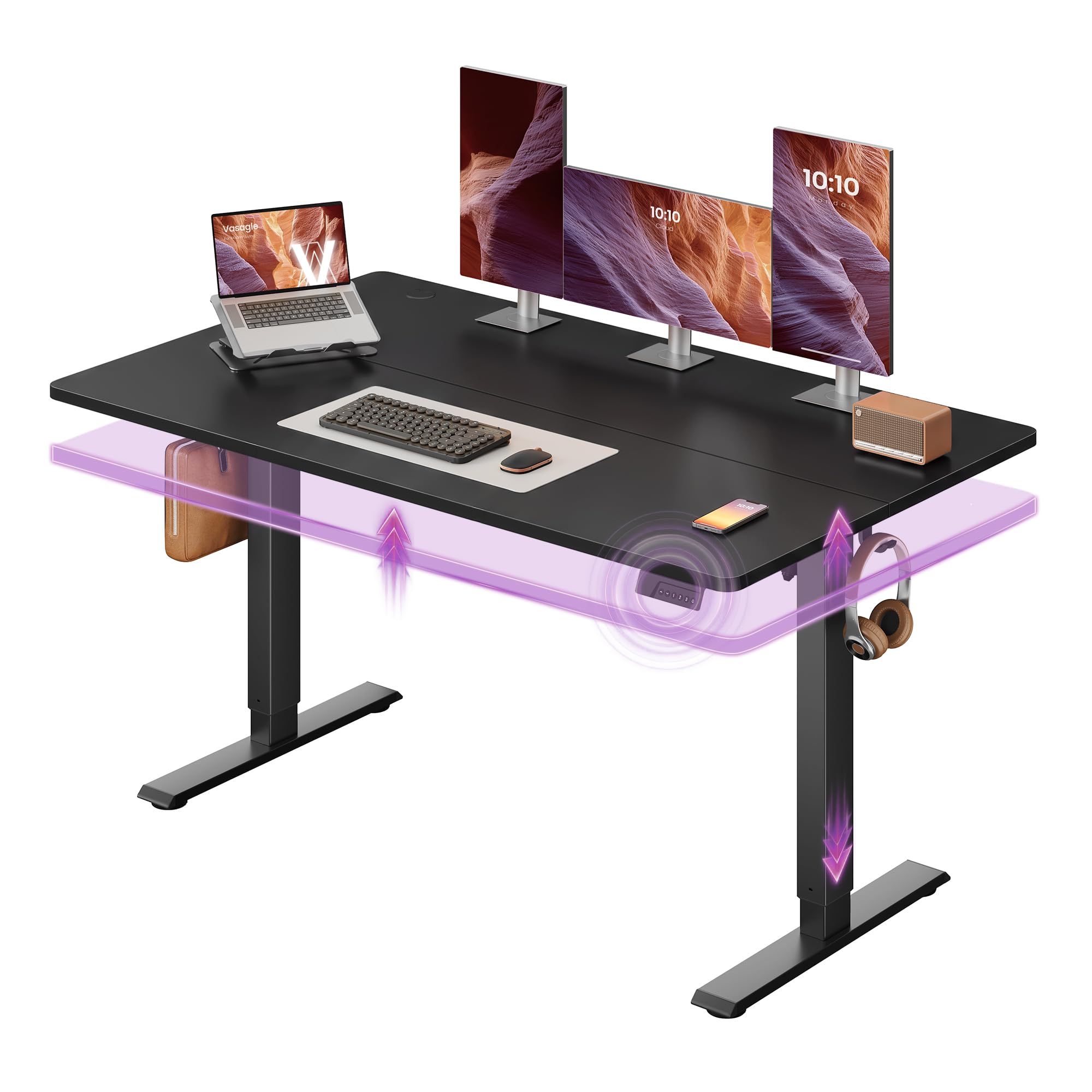
VASAGLE 55-Inch

VASAGLE 55-Inch

9.0/10 Outstanding
  • Desktop Size: 55 x 28 in
  • Height Range: 28.3–47.2 in
  • Memory Presets: 4
  • Weight Capacity: 154 lb
Check Price on Amazon

Pros

  • 28 in of depth, four more than most here
  • Tallest standing height at 47.2 in
  • Four presets plus a sedentary reminder
  • Quiet motor rated under 50 dB

Cons

  • Lowest stated capacity here at 154 lb

Depth matters more than width on a standing desk, and most of the desks here stop at 24 inches front to back. VASAGLE goes to 28. That sounds like a small number until a 27-inch monitor goes on its own stand: on a 24-inch top it ends up close to your face, and four extra inches let you push it back while your keyboard stays where your hands want it. The 55-inch width is a bonus rather than the point.

The rest is specified to match. Four memory presets, a 47.2-inch ceiling - the tallest here, and the difference between comfortable and cramped for anyone over six foot - and a sedentary reminder that prompts you to stand every hour. We like that last one more than we expected to; it is the feature that gets a standing desk used rather than admired.

Stated capacity is 154 pounds, the lowest in this group, which rules out a heavy multi-arm rig and not much else - two monitors and a dock do not come close. What you are buying is surface area and height, and nothing else here combines both.

Bottom Line: For dual monitors and tall users, this is the one: 28 inches of depth and the highest standing position in the group.
#6

Spare-room desks

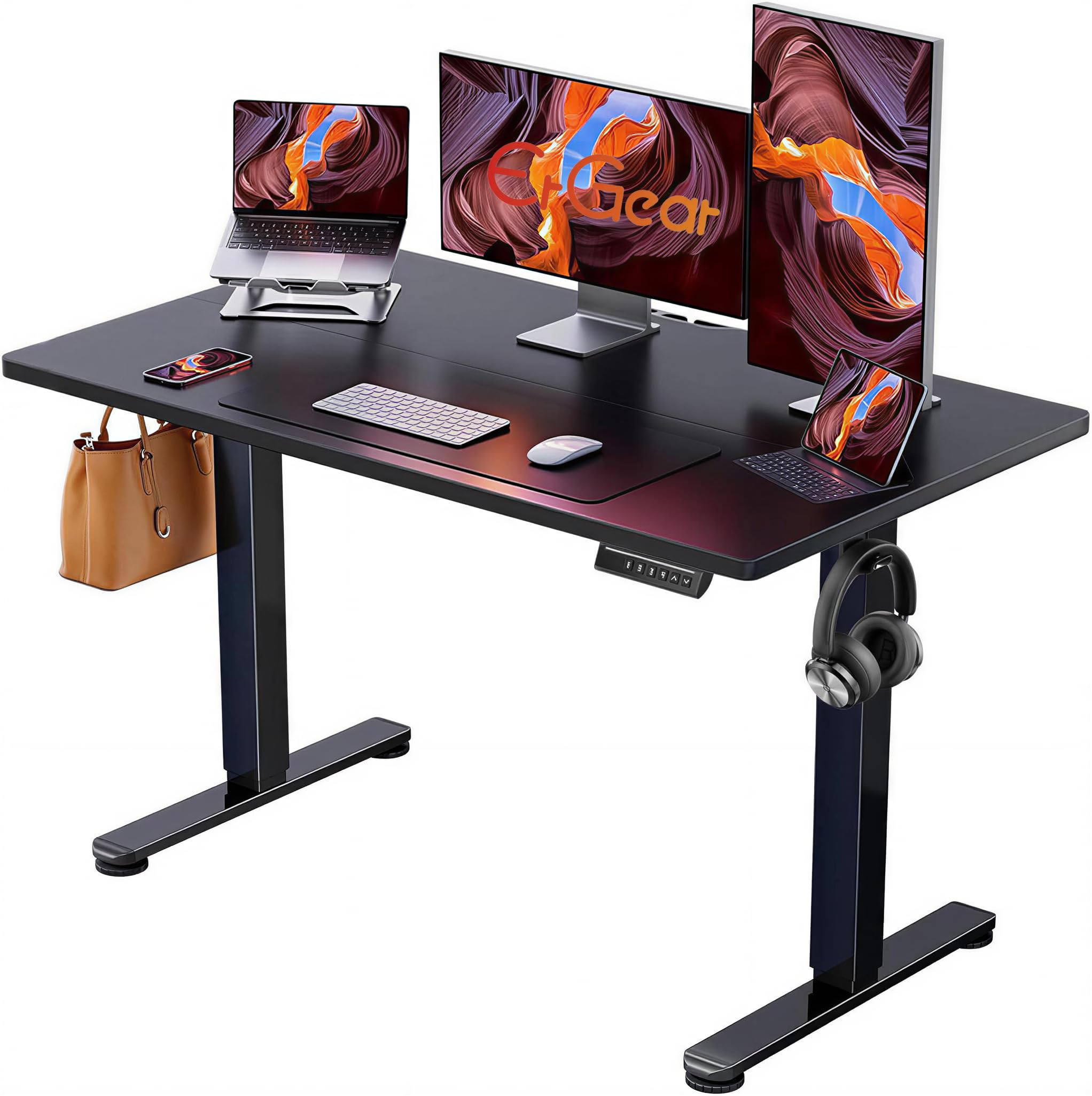
ErGear 48-Inch

ErGear 48-Inch

8.9/10 Excellent
  • Desktop Size: 48 x 24 in
  • Height Range: 28.4–46.5 in
  • Memory Presets: 4
  • Weight Capacity: 176 lb
Check Price on Amazon

Pros

  • Four memory presets at a budget price
  • 176 lb capacity
  • Assembly runs in a sensible order
  • Low-VOC materials for small rooms

Cons

  • Noticeable wobble at full height

Four memory presets are the feature we tell people to pay for, and this is the least expensive desk here that has them. Presets turn a standing desk from a novelty into a habit: one button and the desk arrives at your standing height while you are still reading a sentence. A desk that makes you hold a button through the whole lift is a desk you stop adjusting.

Elsewhere the specification is straightforward: 28.4 to 46.5 inches of travel, capacity rated at 176 pounds, a 0.67-inch top, and low-VOC materials that matter if the desk lives in a small room with the door shut. Assembly is one of the smoother jobs in this group, with the tools in the box and the steps in a sensible order.

At full standing height there is some wobble, and it shows up more in handwriting than in typing. That is the compromise at this price. As a second desk in a spare room, or a first desk on a tight budget, the presets and the build order carry it.

Bottom Line: A budget desk with the one feature that matters: four presets, solid capacity, and a frame that is steady enough unless you lean on it.
#7

Desks that move

Monomi 48-Inch

Monomi 48-Inch

9.1/10 Outstanding
  • Desktop Size: 48 x 24 in
  • Height Range: 28.4–46.5 in
  • Memory Presets: 3
  • Weight Capacity: 188 lb
Check Price on Amazon

Pros

  • Casters included for rolling it aside
  • 188 lb capacity, the highest here
  • Anti-collision cutoff
  • Three presets on a one-touch controller

Cons

  • One column can lag or stall mid-lift

The casters are why this desk is on our list. They come in the box, and they turn a 48-inch desk into something you can push against the wall when the room needs to be something else - a guest room, a floor space for stretching, a place to wrap presents. The quoted 28.4-to-46.5-inch range does not include the wheels, so your usable heights shift up once they are fitted.

It is also the strongest frame here on paper: 188 pounds of stated capacity, the highest in the group, and the only anti-collision cutoff among these desks - if the top meets a chair or a shelf on the way down, it stops instead of pushing through. Three presets and a one-touch controller cover the daily use.

Movement is where it gets uneven. Some units lift with one column lagging behind the other, and some stall partway and need to be sent back down before they continue. Run the desk through its full range in both directions during the first week, while a return is still simple; a lift that is smooth on day one is the best evidence you are going to get.

The casters are the reason to pick it and the columns are the thing to test. Everything else is unremarkable in the way office furniture should be unremarkable.

Bottom Line: The one to get if the desk has to move: casters in the box, the highest capacity here, and a frame worth testing thoroughly in week one.
#8

Visible rooms

Claiks 48-Inch

Claiks 48-Inch

8.7/10 Excellent
  • Desktop Size: 48 x 24 in
  • Height Range: 28.3–46.9 in
  • Memory Presets: 3
  • Tabletop Thickness: 0.75 in
Check Price on Amazon

Pros

  • Thickest desktop here at 0.75 in
  • Rustic brown finish looks like furniture
  • Clear manual and video walkthrough
  • Three programmable presets

Cons

  • Slight wobble at standing height

The desktop here is 0.75 inches thick, and the extra material over the 0.6-inch tops most of these desks use does something real: it stops the surface feeling like a hollow-core door. Add the rustic brown laminate and the round-arc legs and you get a desk that looks like furniture rather than a folding table with a motor attached.

The specification is standard issue otherwise: 28.3 to 46.9 inches of travel, three presets, a 176-pound rating, and a kit that includes a printed manual, a video walkthrough, and the wrench you need. Setup runs about an hour at a relaxed pace, and the instructions are among the clearer ones here.

Stability is the compromise. The frame has a slight wobble at standing height, the kind that shows up when you are writing rather than typing. It will not tip - the feet stay planted - but it is not the desk for leaning your weight on the front edge during a long call.

Set against the rest of the group, this is a finish-and-thickness play rather than an engineering one: the top and the look are where the value sits, and the base is a step behind the FLEXISPOT's. In a room where the desk is visible, we think that is a trade plenty of people make happily.

Bottom Line: The pick for a desk that is on show: a thick, good-looking top and clear instructions, with a frame that wobbles a little when you write.

How We Tested Eight Standing Desks Over Six Months

We started by pulling every electric desk we could find with a height range that clears a seated position and a standing one, then narrowed by frame material, weight capacity, motor warranty, and price—skipping anything whose spec sheet contradicted itself. That left eight desks, which we built and used in home offices and a shared workspace.

I timed assembly alone with a stopwatch and wrote down every point where the instructions lost me: missing hardware labels, a diagram that flipped the frame upside down, a step that quietly assumed two people. Then each desk went into daily rotation, raised and lowered at least four times a day and loaded with a monitor, laptop, and the usual clutter.

At full height, I typed a paragraph, pressed hard on the front edge, and watched whether the monitor swayed or the whole desk shimmied. I listened for motor strain and noted whether the desk lurched or glided between presets. I slid each one across carpet and hardwood, checked whether the feet scratched, and measured how much floor space it ate in a small room. Value came down to what held up after months of use—no stripped screws, no sagging corners, no peeling laminate.

Appearance got a practical test, too: I looked for cable management that actually hid the mess, checked whether the desktop showed fingerprints and coffee rings, and noted which finishes looked like office furniture versus something you'd want on a video call. The desks that looked best on day one weren't always the ones that still looked good in month four.

How to Choose Electric Standing Desks

One-piece or spliced desktop

Plenty of desks at this end of the market ship the top in two halves that bolt together over the frame, and the join runs front to back, right through where your arms rest. It collects crumbs, it catches a mouse, and on a dark finish it is a visible line across a monitor setup. The title or the bullet points usually say splice board if that is what you are getting; if a listing does not say one piece, assume a seam. We think it is worth paying a little more to avoid, because it is the one compromise that stays visible for the life of the desk.

Get the height range right, at the bottom as well as the top

Everyone checks the maximum; the minimum is what catches people out. A desk that stops around 28 inches is fine for most seated work, but if you are shorter, or you type on a thick keyboard tray, that extra inch of drop is the difference between relaxed shoulders and shoulders up around your ears. At the top, most adults stand comfortably somewhere between 38 and 44 inches, so a 46-inch ceiling covers the majority. If you are over six foot, look for 47 or more, and measure your own standing elbow height before ordering.

Stability at standing height

Wobble decides whether people keep using the standing half of a standing desk. Two-leg frames are all a little shakier when they are up, and the gap between a good one and a cheap one is how much. If you type lightly and mostly read a screen, most of these desks are fine. If you lean on the desk, write by hand, or clamp a monitor arm to the back edge, put your money into the frame - or pick one of the desks here whose rear edge is built for the clamp.

Presets, motors, and the controls you will actually touch

Memory presets are the difference between a desk you adjust and a desk that stays where you left it. Three is enough for most people, four is nicer if two of you share the desk. Check whether the controller stops the desk when it meets an obstruction on the way down, which matters if a chair arm or a shelf lives under it. And think about noise if the desk shares a room with a microphone: the quietest desks here are rated under 45 dB, roughly the level of a soft conversation.

Assembly, holes, and the first week

None of these needs a professional, but the pre-drilled holes are where cheap desks fail. Before you tighten anything, lay the parts out and dry-fit the frame to the top; if a hole is missing or drilled on the wrong side, stop and ask for a replacement rather than making it work. Build the frame upside down on the box, then flip it with a second pair of hands. Run the desk through its full range on day one, and keep the packaging until it has.

Frequently Asked Questions

Final Verdict

For most people the FLEXISPOT EN1 is the desk to buy. The one-piece top is a small-sounding thing you notice every day, the 28.1-to-46.3-inch range covers sitting and standing for average and taller users, and five years of frame and motor coverage is the strongest backstop in this group.

If your monitors need more distance, the VASAGLE's 28-inch depth is worth giving up some capacity for. If the budget is the deciding factor, the Cubiker keeps the presets and the quiet motor and asks you to live with a seam.